
NETWORK · RADIO
Wi-Fi discovery + Bluetooth trend
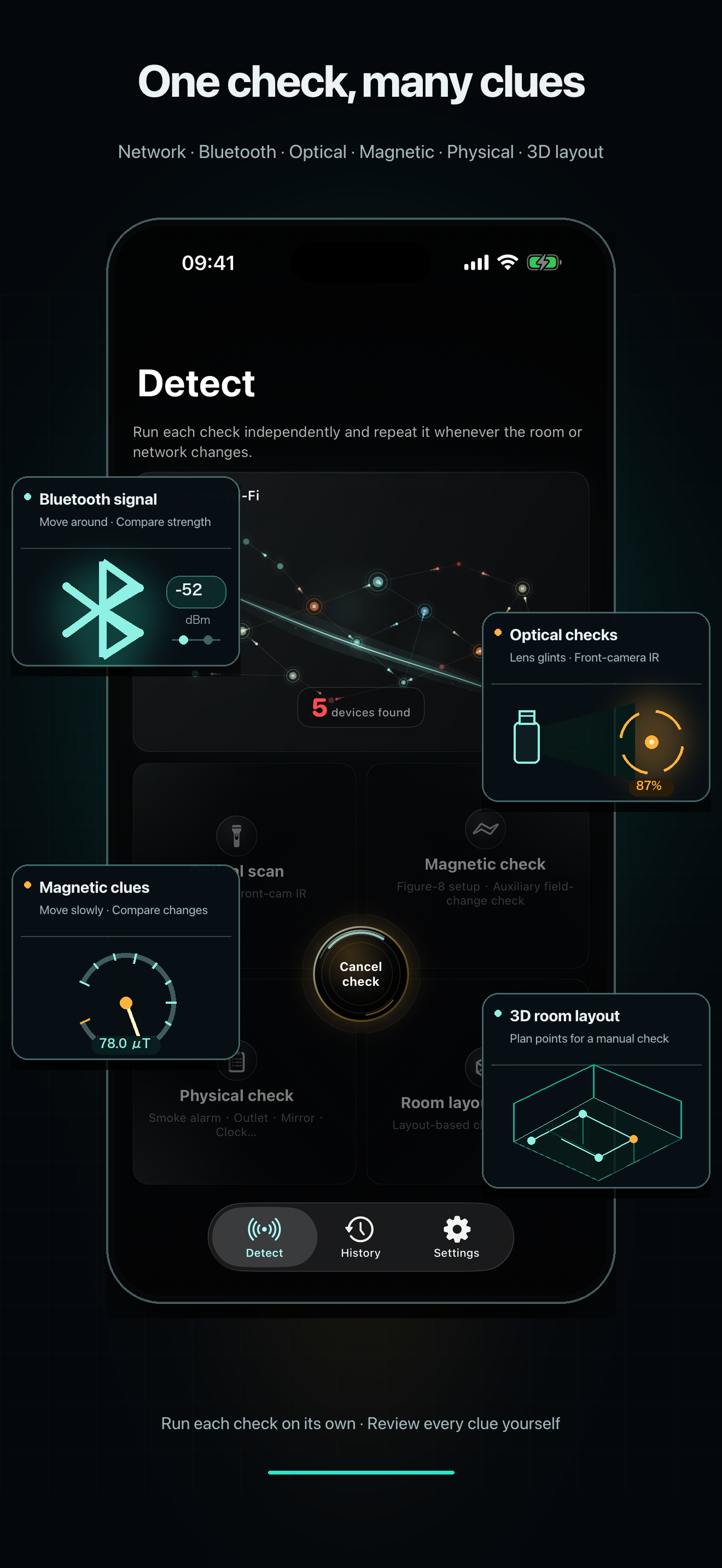
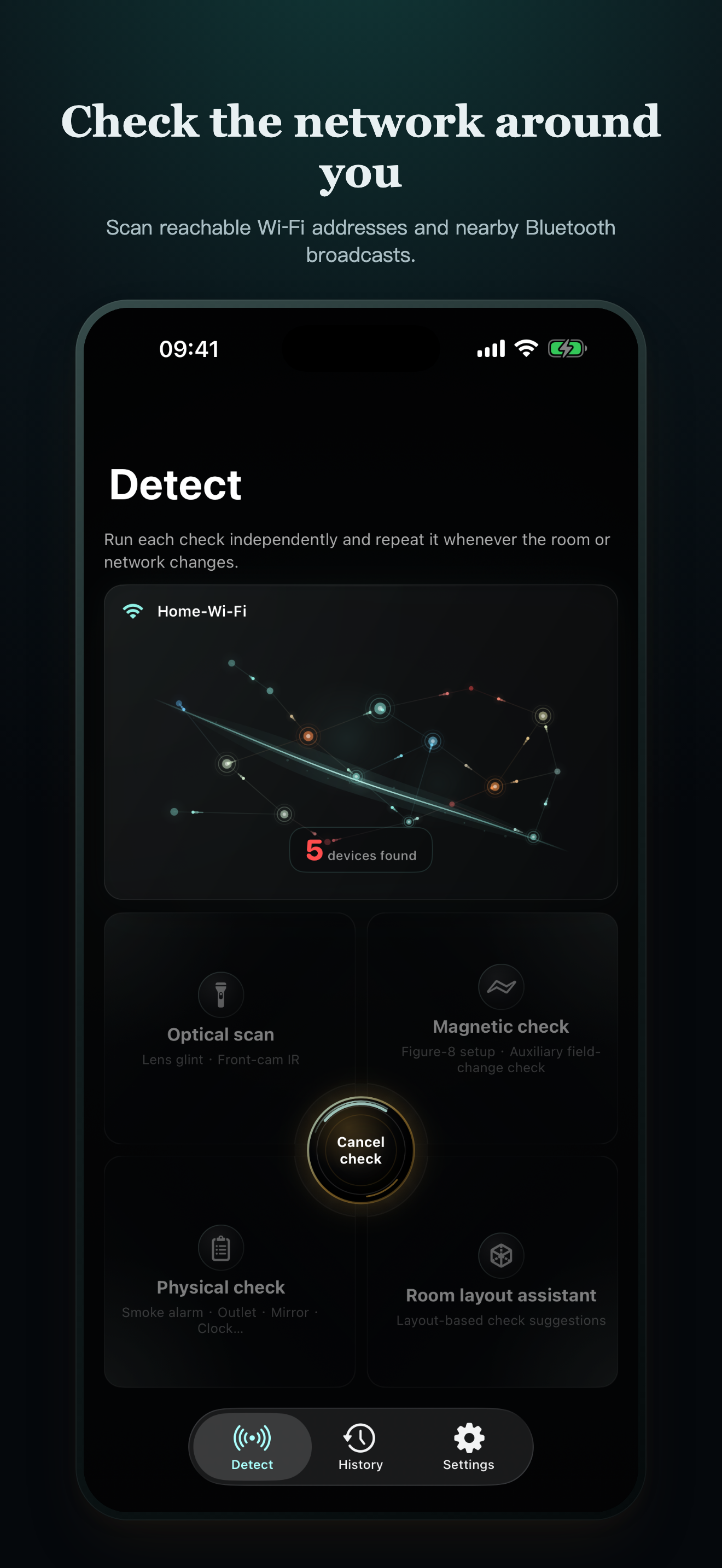
Review reachable local services and nearby Bluetooth advertisements, then compare signal changes as you move. Unknown does not automatically mean camera.
LOCAL-FIRST PRIVACY CHECKS FOR IPHONE
CamClue helps you review a hotel room, rental or private space from several angles—local network, Bluetooth, optical, magnetic, physical and optional 3D layout—while keeping every limitation visible.
THE REAL APP, IN YOUR LANGUAGE
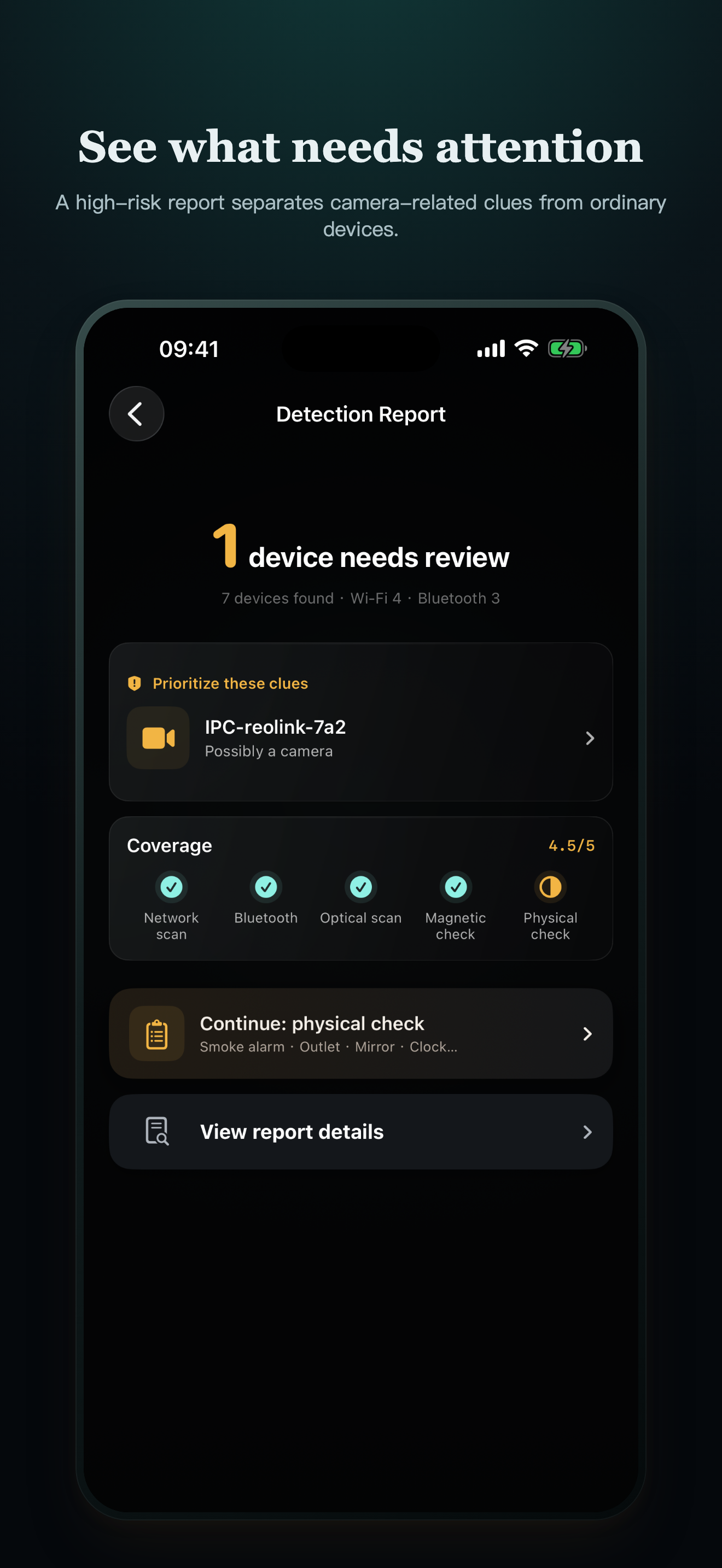
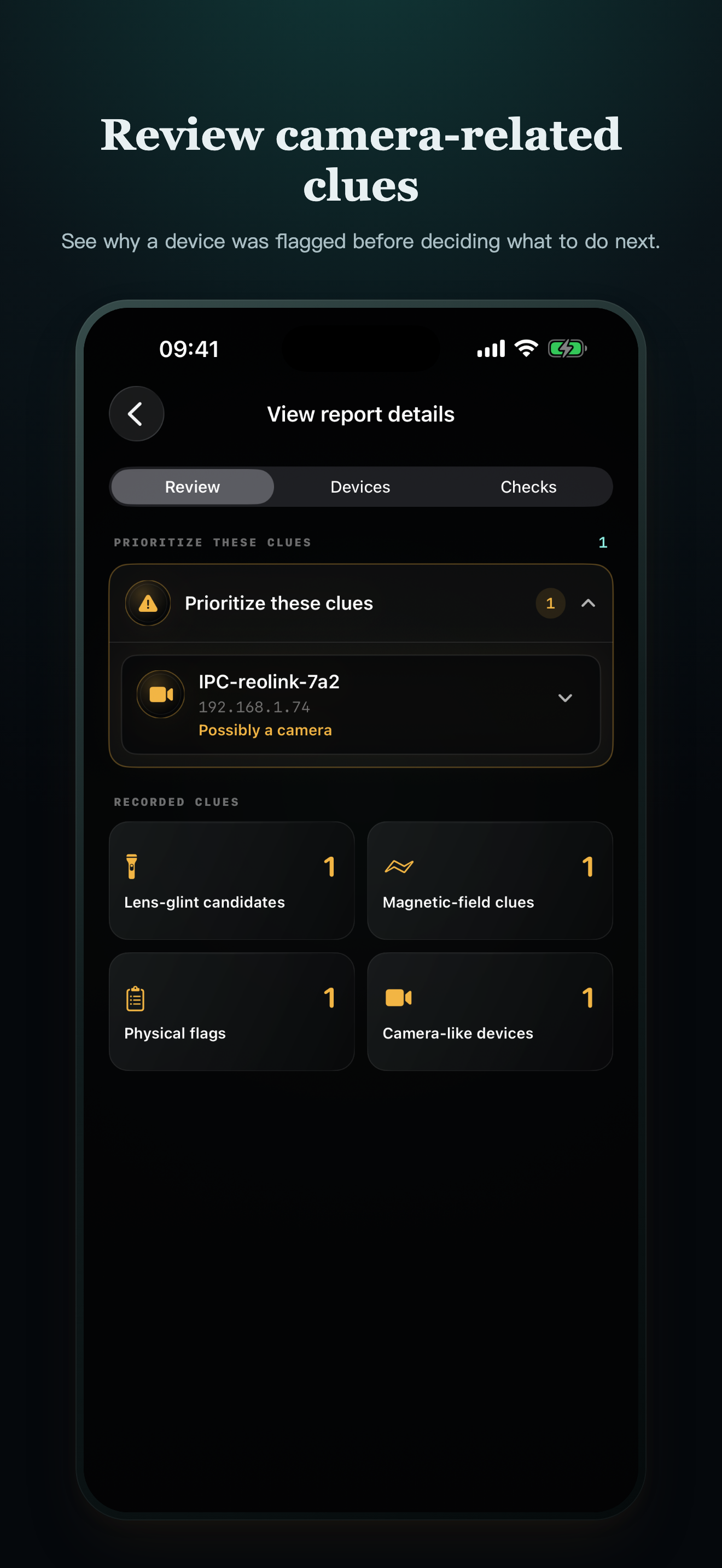
CamClue separates what was observed, what could not be checked, and what you should inspect next. Screenshots below come from the current localized iPhone build.
CROSS-CHECK, DON'T GUESS
A phone cannot certify that a room is clear. CamClue organizes independent checks so one ambiguous name, reflection or signal never becomes a conclusion by itself.
NETWORK · RADIO
Review reachable local services and nearby Bluetooth advertisements, then compare signal changes as you move. Unknown does not automatically mean camera.
OPTICAL · FIELD
Use guided camera and magnetometer checks from more than one angle. Reflections, electronics and magnets remain clearly labeled as possible false positives.
PHYSICAL · SPATIAL
Inspect privacy-sensitive sight lines and common hiding places yourself. Compatible LiDAR devices can map coverage prompts, never camera detections.
A PRACTICAL FIRST PASS
Use CamClue only in spaces and networks you own or are authorized to inspect. Keep the app in the foreground while active checks run.
Join the authorized Wi-Fi, enable Bluetooth, and note which permissions or hardware are unavailable.
Review device names, services and Bluetooth signal trends without treating an unfamiliar result as proof.
Sweep slowly for repeatable lens glints, front-camera IR points and magnetic changes from several positions.
Read coverage and incomplete checks, examine the area in normal light, and repeat when conditions change.
HONEST LIMITS
Powered-off, cellular, analog, SD-card-only, isolated or differently networked devices may not appear. Dark plastic can hide a lens, 940 nm infrared may be invisible, and ordinary electronics can look suspicious. CamClue reports clues and coverage—not certainty.
LOCAL BY DESIGN
CamClue has no scan-results server, account system, advertising network or third-party analytics SDK. Nothing is shared automatically.
CLEAR ANSWERS
These answers describe what an iPhone-assisted check can and cannot establish.
No. No phone app can guarantee that. A camera may be powered off, disconnected, on another network, recording only to local storage, hidden behind material, or using hardware your iPhone cannot observe. CamClue combines several checks and shows their limits.
With Local Network permission, it checks reachable local addresses, Bonjour/mDNS, a limited set of relevant ports, and minimal HTTP or RTSP service responses. It does not identify devices or map the full network. A service or unfamiliar name is a reason to review, not proof of a camera.
It can miss devices isolated by the router, on a guest or cellular network, on another Wi-Fi network, powered off, analog, or recording only to an SD card. iOS also limits identifiers that apps can see.
No. CamClue does not operate a results server and does not upload your checks on its own. Selected content can leave the app only when you intentionally use an iOS share or export action. Apple separately processes purchases under its policies.
Prioritize your safety. Leave the space if needed, preserve what you observed without dismantling equipment or confronting anyone, and contact the venue, booking platform or appropriate local authority.
CamClue is built to make evidence, missing coverage and safer next steps easier to understand.
Download on the App Store